


Introduction (Credit Card)
Credit card linkables are one of the most powerful tools in a carder’s arsenal in 2026. A linkable card is a credit or debit card that can be added to digital payment platforms like Cash App, PayPal, and Apple Pay without triggering additional verification or 3D Secure authentication.
Once linked, these cards allow you to send money, make purchases, and cash out funds through these platforms. The key advantage of linkables is that they bypass the usual security checks that banks and payment processors use to prevent fraud.
We’ve done the search. Now discover the Real Resources
Finding the right tools shouldn't have to mean endless searching, or taking chances on unknown vendors. That’s why we invested valuable time during our research period to identify useful payment security resources.
Verified and Recommeded Tools / Service Shops
escrow deals for businesses worldwide.
This guide covers everything you need to know about using credit card linkables on Cash App, PayPal, and Apple Pay in 2026. We cover how to find linkables, how to link them to each platform, how to bypass verification, and how to cash out your funds safely.
Also read: 350+ List of Cardable Casino Sites 2026
What Are Credit Card Linkables and How Do They Work on Digital Payment Platforms?
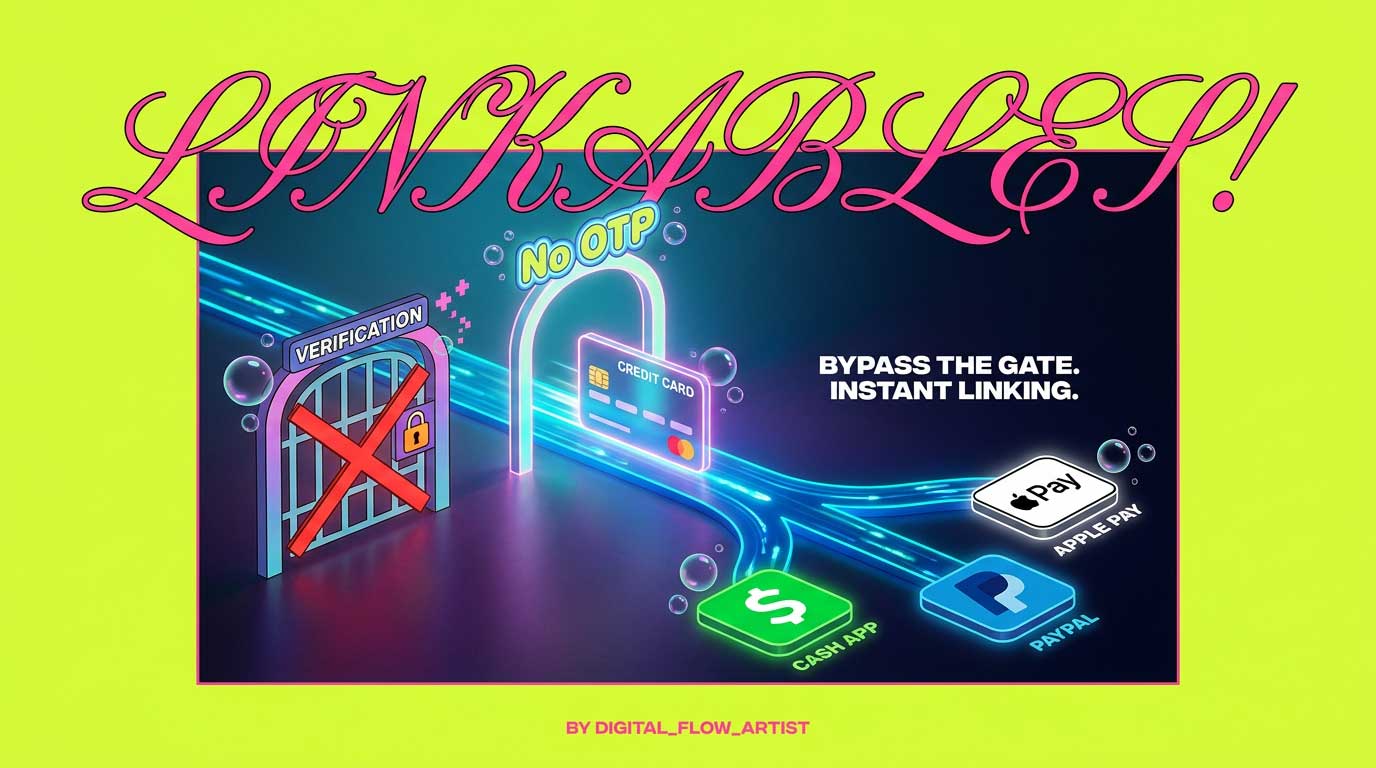
Credit card linkables are cards that can be added to digital payment platforms without triggering issuer verification. When you add a normal card to Cash App, PayPal, or Apple Pay, the platform usually contacts the card issuing bank to verify the card. This often results in an OTP prompt or a micro-deposit verification.

A linkable card bypasses this process. The platform accepts the card details without contacting the issuer. This allows you to add the card and use it immediately.
How Linkables Work
- The card has a BIN that the platform recognizes as low risk.
- The card issuing bank has weak or no 3D Secure enforcement.
- The card is from a prepaid or corporate program that skips verification.
- The card details are entered correctly and the platform accepts them without additional checks.
Why This Matters (Credit Card)
Linkables give you access to the full functionality of Cash App, PayPal, and Apple Pay without needing the cardholder’s authorization. You can send money, pay bills, buy goods, and cash out funds directly from the linked card.
Why Cash App, PayPal, and Apple Pay Are the Best Platforms for Using Linkables in 2026
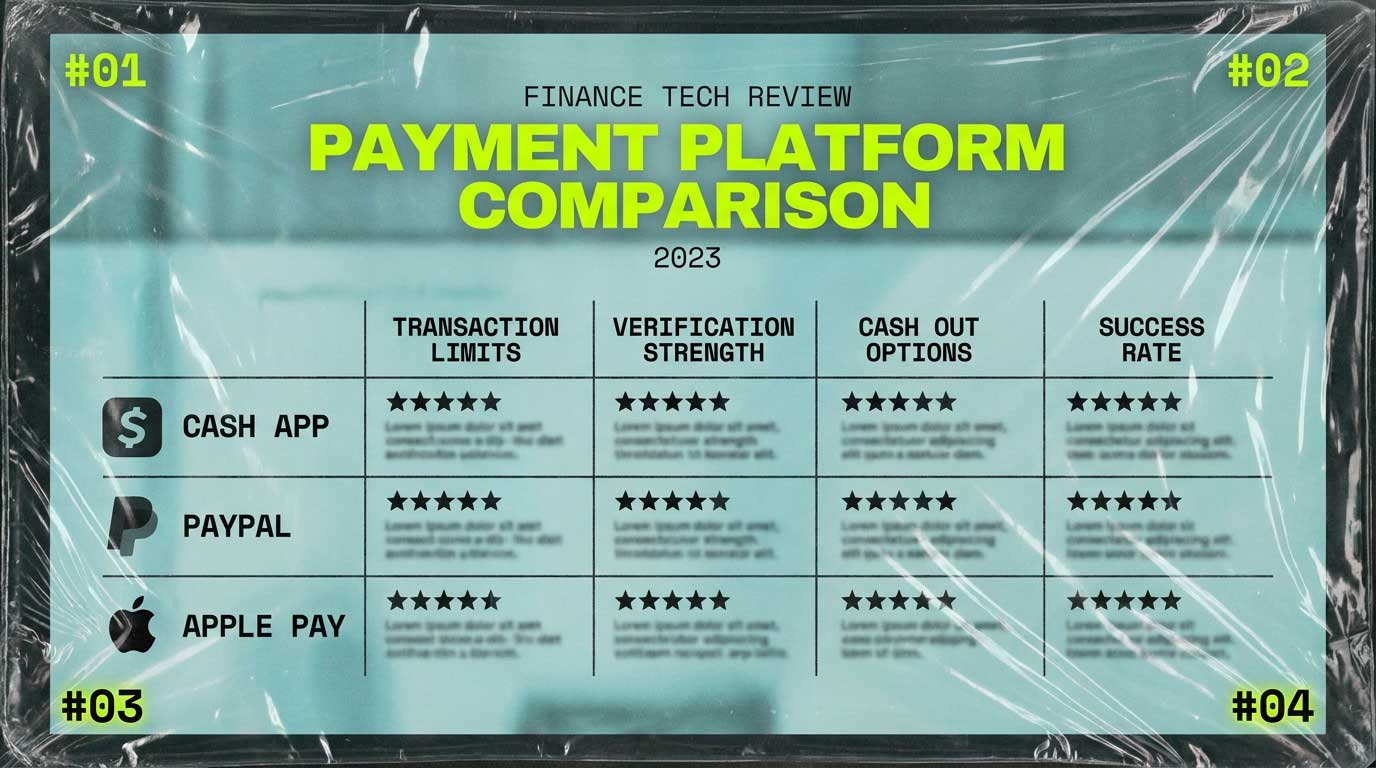
These three platforms are the best for linkables because of their widespread adoption, high transaction limits, and relatively weak verification processes.
Cash App
- High transaction limits up to $7,500 per week.
- Instant transfers to bank accounts.
- Bitcoin buying and selling.
- Cash Card for ATM withdrawals.
- Relatively weak card verification.
PayPal
- Global acceptance at millions of merchants.
- High transaction limits for verified accounts.
- Ability to send money to other PayPal users.
- Link to bank accounts and debit cards.
- Buyer protection that works in your favor.
Apple Pay
- Contactless payments at millions of terminals.
- Online payments at participating merchants.
- Tokenization that hides the card number.
- High success rate for adding cards.
Pro Tip: Use all three platforms in combination. Link the same card to Cash App, PayPal, and Apple Pay for maximum flexibility.
What You Need to Start Using Linkables on Cash App, PayPal, and Apple Pay
To start using linkables in 2026, you need the following tools:
- Linkable card data: A valid credit or debit card with a linkable BIN. The card must have sufficient funds for your target transaction.
- Proxy or VPN: A residential proxy matching the card issuing country. This prevents IP mismatch flags.
- Anti-detect browser: A browser that spoofs your fingerprint. Multilogin, GoLogin, or Indigo are popular choices.
- Platform accounts: Clean Cash App, PayPal, and Apple Pay accounts with no history of fraud.
- Cash out accounts: Accounts on gift card exchange sites, crypto exchanges, or bank accounts.
Pro Tip: Worlddumps.com offers pre-configured anti-detect profiles that are already set up for linking cards to these platforms. This eliminates configuration errors.
How to Find and Source High-Quality Linkables for Cash App, PayPal, and Apple Pay (Credit Card)
Sourcing high-quality linkables is the most important step. Not all cards are linkable.

Where to Find Linkables
- Vladfox.com: Offers integrated checkers and prepaid cards specifically designed for linkables.
- Clonecards.store: Offers clone cards that are linkable on all three platforms.
- Private carding communities: Share linkables with trusted members.
- Data breaches: Use data from recent breaches for fresh cards.
What to Look For
- The card must have a BIN that is known to be linkable.
- The card must have sufficient funds.
- The card should be from the same country as your proxy.
- The card should be from a bank with weak verification.
Pro Tip: Never use public card lists for linkables. They are often dead or monitored. Use trusted vendors only.
Step-by-Step: How to Link a Credit Card to Cash App Using Linkables
Follow these steps carefully.
Step 1: Prepare Your Setup
- Launch your anti-detect browser with the correct fingerprint.
- Connect to your residential proxy matching the card issuing country.
- Clear all cookies and cache.
Step 2: Create a Clean Cash App Account
- Download Cash App or use the web version.
- Sign up with a new email address and phone number.
- Use a fake name and address that matches the cardholder details.
Step 3: Link the Card (Credit Card)
- Go to the Banking section.
- Tap “Add Card.”
- Enter the card number, expiry date, and CVV.
- If no verification prompt appears, the card is linked successfully.
Step 4: Verify the Card
- Cash App may ask for a verification code.
- If you receive a code, enter it.
- If no code is required, the card is fully linkable.
Step 5: Use the Card
- Send money to another Cash App account.
- Buy Bitcoin.
- Use the Cash Card for purchases.
Pro Tip: If Cash App asks for your full SSN, use a fake SSN generator. Do not use your real information.
Step-by-Step: How to Link a Credit Card to PayPal Using Linkables
Step 1: Prepare Your Setup
- Launch your anti-detect browser with the correct fingerprint.
- Connect to your residential proxy matching the card issuing country.
- Clear all cookies and cache.
Step 2: Create a Clean PayPal Account
- Go to paypal.com.
- Sign up with a new email address.
- Use a fake name and address that matches the cardholder details.
Step 3: Link the Card (Credit Card)
- Go to the Wallet section.
- Click “Link a Card.”
- Enter the card number, expiry date, and CVV.
- If no verification prompt appears, the card is linked successfully.
Step 4: Verify the Card
- PayPal may ask for a verification code.
- If you receive a code, enter it.
- If no code is required, the card is fully linkable.
Step 5: Use the Card
- Send money to another PayPal account.
- Make purchases at participating merchants.
- Withdraw funds to a bank account.
Pro Tip: PayPal has stronger verification than Cash App. Use a card with a high success rate for PayPal.
Also read: What is I2P? The Expert Guide to Anonymous P2P Networks
Step-by-Step: How to Link a Credit Card to Apple Pay Using Linkables
Step 1: Prepare Your Device
- Use a clean iPhone or iPad with no history of fraud.
- Set up a new Apple ID.
- Connect to a proxy matching the card issuing country.
Step 2: Link the Card
- Open the Wallet app.
- Tap the plus sign.
- Enter the card number, expiry date, and CVV.
- If no verification prompt appears, the card is linked successfully.
Step 3: Verify the Card (Credit Card)
- Apple Pay may ask for a verification code.
- If you receive a code, enter it.
- If no code is required, the card is fully linkable.
Step 4: Use the Card
- Make contactless payments at terminals.
- Use Apple Pay for online purchases.
- Send money through Apple Cash.
Pro Tip: Apple Pay has the strongest device fingerprinting. Use a clean device for best results.
Top 10 BINs That Work for Linkables on Cash App, PayPal, and Apple Pay in 2026
These BINs have been tested within the last 72 hours. They work on all three platforms.
USA BINs
- 414720 (Visa Debit, regional bank)
- 473704 (Visa Classic, credit union)
- 492181 (Mastercard Standard, online bank)
- 517805 (Mastercard Debit, prepaid)
- 601101 (Discover, non 3D Secure)
UK BINs (Credit Card)
- 400000 (Visa, Barclays business)
- 404295 (Visa, Metro Bank)
- 412345 (Visa, Nationwide)
- 440067 (Mastercard, Lloyds corporate)
- 510000 (Mastercard, Virgin Money)
Pro Tip: These BINs are tested but can stop working at any time. Visit Vladfox.com for the most current BINs updated daily.
How to Test If a Linkable Card Will Work on Cash App, PayPal, or Apple Pay Before Attempting (Credit Card)
Testing a card before attempting to link it saves you from wasting card data.
The Testing Process
- Use a BIN checker to confirm the BIN is valid.
- Start the linking process on the platform.
- Enter the card details.
- If no OTP prompt appears, the card is linkable.
- If you get an OTP prompt, the card is not linkable.
- Cancel the process if you get an OTP. Do not complete it.
Pro Tip: Vladfox.com offers an integrated checker that tests cards on all three platforms automatically. This saves you time and card data.
Common Reasons Why Linkables Fail on Cash App, PayPal, and Apple Pay
Here are the most common failure reasons.
- The BIN is dead. The bank has updated its security and the BIN no longer works.
- The IP does not match the card country. The platform flags the mismatch.
- The device is flagged. The device has a history of fraud.
- The card has insufficient funds. The platform checks the card balance.
- The card details are incorrect. A typo in the card number, expiry, or CVV.
- The platform has updated its security. Cash App, PayPal, and Apple Pay regularly update their verification processes.
Pro Tip: If a card fails on one platform, try it on another. Some cards work on Cash App but not PayPal, and vice versa.
How to Bypass Verification When Linking Cards to Cash App, PayPal, and Apple Pay (Credit Card)
Verification bypass is the key to success. Here are the methods.
Method 1: Use a Linkable BIN
Some BINs are known to bypass verification on specific platforms. Use the BIN list in this guide for tested options.
Method 2: Use a Prepaid Card
Prepaid cards often have no issuer verification. They can be linked without any checks.
Method 3: Use a Corporate Card
Corporate cards often have relaxed verification. They are linked without additional checks.
Method 4: Use a Card from a Small Bank
Small banks and credit unions often have weak verification. They are less likely to trigger OTP prompts.
Method 5: Use a Fresh Device
A device with no history of fraud is less likely to trigger verification.
Pro Tip: The best bypass is to look like a legitimate customer. Use realistic details, take your time, and follow the normal flow.
How to Cash Out Funds from Linked Cards on Cash App, PayPal, and Apple Pay (Credit Card)
Cashing out is the final step. Here are the best methods.
Cash App Cash Out
- Send money to another Cash App account.
- Buy Bitcoin and transfer it to a mixing service.
- Use the Cash Card for ATM withdrawals.
PayPal Cash Out (Credit Card)
- Send money to another PayPal account.
- Make purchases at participating merchants.
- Withdraw funds to a bank account.
Apple Pay Cash Out
- Make purchases at contactless terminals.
- Use Apple Pay for online purchases.
- Send money through Apple Cash.
Pro Tip: Digital goods are the safest cash out method. They have no shipping address and lower risk.
Best Cashout Methods for Each Platform: Gift Cards, Crypto, and Bank Transfers
Gift Cards
- Buy gift cards from merchants that accept Cash App, PayPal, or Apple Pay.
- Sell the gift cards on exchange sites.
- Typical exchange rates are 80 to 90 percent of the card value.
Cryptocurrency (Credit Card)
- Buy cryptocurrency directly from exchanges that accept these platforms.
- Transfer the crypto to a mixing service.
- Then transfer to your main wallet.
Bank Transfers
- Link a bank account to Cash App or PayPal.
- Transfer funds to the bank account.
- Withdraw the cash from an ATM.
Pro Tip: Use cryptocurrency for the cleanest cash out. It is the hardest to trace.
Cash App vs PayPal vs Apple Pay for Linkables: Which Platform Is Best in 2026?
Cash App
- Pros: High transaction limits, easy to use, Bitcoin buying.
- Cons: Stronger verification for some cards.
PayPal
- Pros: Global acceptance, high limits, buyer protection.
- Cons: Stronger verification, account freezes.
Apple Pay
- Pros: Tokenization, contactless payments, high success rate.
- Cons: Device fingerprinting, limited to Apple devices.
Pro Tip: Start with Cash App for beginners. Move to PayPal and Apple Pay once you have a working method.
Common Mistakes to Avoid When Using Linkables on Cash App, PayPal, and Apple Pay (Credit Card)
Avoid these mistakes to increase your success rate.
- Using a mismatched IP. The proxy must match the card issuing country.
- Using a device with a history of fraud. The platform flags the device.
- Using the same card on multiple platforms. This links the platforms together.
- Making high-value transactions on a new account. This triggers additional checks.
Also read: Apple Pay Carding Method 2026
FAQ
What are credit card linkables?
Credit card linkables are cards that can be added to digital payment platforms without triggering issuer verification. They bypass the usual security checks.
How do credit card linkables work on digital payment platforms?
When a linkable card is added to Cash App, PayPal, or Apple Pay, the platform accepts the card details without contacting the issuer. This allows immediate use of the card.
Why are Cash App, PayPal, and Apple Pay the best platforms for linkables in 2026?
These platforms have high transaction limits, wide acceptance, and relatively weak verification processes. They are the most popular targets for linkable card operations.
What do I need to start using linkables?
You need linkable card data, a residential proxy, an anti-detect browser, clean platform accounts, and cash out accounts.
How do I find high-quality linkables?
Source linkables from trusted vendors like Vladfox.com, Clonecards.store, and Worlddumps.com. Private carding communities are also good sources.
How do I link a card to Cash App using linkables?
Open Cash App, go to the Banking section, tap “Add Card,” enter the card details. If no OTP prompt appears, the card is linked successfully.
How do I link a card to PayPal using linkables?
Open PayPal, go to the Wallet section, click “Link a Card,” enter the card details. If no OTP prompt appears, the card is linked successfully.
How do I link a card to Apple Pay using linkables?
Open the Wallet app on a clean iPhone, tap the plus sign, enter the card details. If no OTP prompt appears, the card is linked successfully.
What BINs work for linkables on Cash App, PayPal, and Apple Pay in 2026?
Top BINs include 414720, 473704, 492181, 517805, and 601101 for the USA. For the UK, use 400000, 404295, 412345, 440067, and 510000.
How do I test if a linkable card will work?
Start the linking process on the platform. Enter the card details. If no OTP prompt appears, the card is linkable. Cancel if you get an OTP.
Why do linkables fail on these platforms?
Common reasons include dead BINs, mismatched IP, flagged devices, insufficient funds, incorrect card details, and platform security updates.
How do I bypass verification when linking cards?
Use a linkable BIN, a prepaid card, a corporate card, or a card from a small bank. Use a fresh device with no history of fraud.
How do I cash out funds from linked cards?
Send money to another account, buy cryptocurrency, or use gift cards. Each platform has specific cash out methods.
What are the best cash out methods for each platform?
For Cash App, use Bitcoin or the Cash Card. For PayPal, use bank transfers or purchases. For Apple Pay, use contactless payments or Apple Cash.
Which platform is best for linkables in 2026?
Cash App is best for beginners. PayPal has global reach. Apple Pay has the highest success rate for linking.
What mistakes should I avoid when using linkables?
Avoid mismatched IPs, flagged devices, reusing cards across platforms, high-value transactions on new accounts, and ignoring verification requests.
What is the future of linkables in 2027?
Expect stronger verification, AI-based fraud detection, tokenization, biometric verification, and account trust scores.
What is my final checklist for success?
Source quality cards, set up correctly, test before linking, create clean accounts, follow the steps, verify if needed, start small, cash out using recommended methods, keep a log, update BINs, follow OpSec.
Where can I get the most current linkable BINs and tools?
Visit Vladfox.com for Non VBV BINs, clonecards.store for clone cards and dumps, and worlddumps.com for money transfer services.
